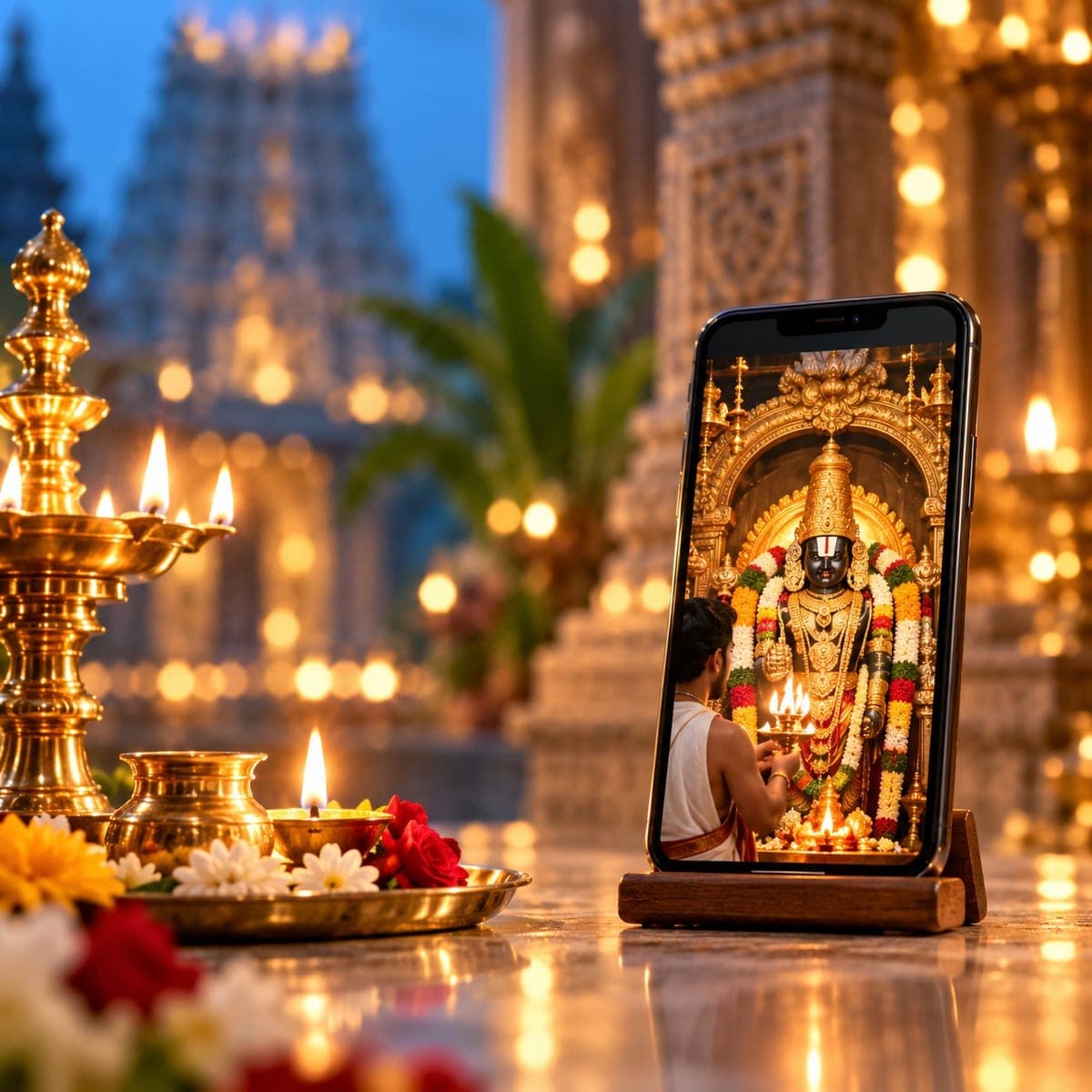
Temple, deity and location details provided in the listing.
A GUIDE TO YOUR SERVICE
Temple PujaStay connected to sacred places.
Explore participating temples and their puja services. View the available rituals and booking details in the app.
Booking continues in the DoPuja Android app.

Understand the service
What this service offers
Temple Puja helps you explore temple-related pujas and their listed arrangements in the DoPuja app. Choose by the temple, deity or occasion shown in the catalogue, and understand where, when and how the puja will take place before booking.
The puja schedule, participation format and package information.
Sankalpa and delivery information where the selected service provides them.
How it works
From your first step to completion
Temple Puja
- 01
Explore your options
Open the app and explore the available temple-related services. Read the temple and puja details.
- 02
Share the right details
Check the date, location, participation format and booking window. A temple listing does not automatically include an in-person visit.
- 03
Review before you confirm
Enter the requested devotee details. Review the package inclusions, amount and confirmation terms.
- 04
Follow the service steps
Follow the confirmed arrangement for the puja. If attendance is included, use the venue instructions; otherwise follow the listed remote format.
- 05
Completion & follow-up
Check the completion information. Media, prasadam or other delivery is included only when the selected package explicitly states it.
Who it helps
Clear information. Better preparation.
For customers & families
- Compare temple-related offerings in one place.
- Understand the location and participation format before making arrangements.
- Know which inclusions belong to your chosen package.
For purohits & practitioners
- Devotee information helps participating purohits prepare the sankalpa.
- A stated schedule helps coordinate the temple and service team.
- Clear package details set expectations about ritual and delivery responsibilities.
Before you begin
A few things to keep ready
- Verify the exact temple and location; do not infer them from artwork alone.
- Check whether attendance, remote participation or another format is offered.
- Read the deadline and any delivery conditions before paying.
Helpful to know
Questions, answered
Does every temple puja include prasadam or live video?
Do not assume so. Only the inclusions written in the selected package apply. Ask support before booking if a delivery item or attendance format is unclear.
Where do I see the current price and inclusions?
The selected service or package shows the current amount, inclusions and any payment requirements. This guide does not set a price or create a booking.
What if I need to change or cancel?
Check the terms for your selected service and contact support with the booking or order reference. Availability, deadlines, cancellation and refund rules depend on that service.
Which language can I use?
Read this guide in English, Telugu or Hindi using Change language in Profile. Check the selected service for its own language options before booking.
Temple Puja
Take the next step, with clarity.
Explore the available service and review its current details before confirming.
Our services